Compatibility comes before performance
Start with the weapon’s accepted ammunition and the exact ammo record. A similar-looking cartridge name is not enough. Then compare the current in-game penetration and damage information with the protection you expect to encounter.
Source: DeltaForceDB · community wiki
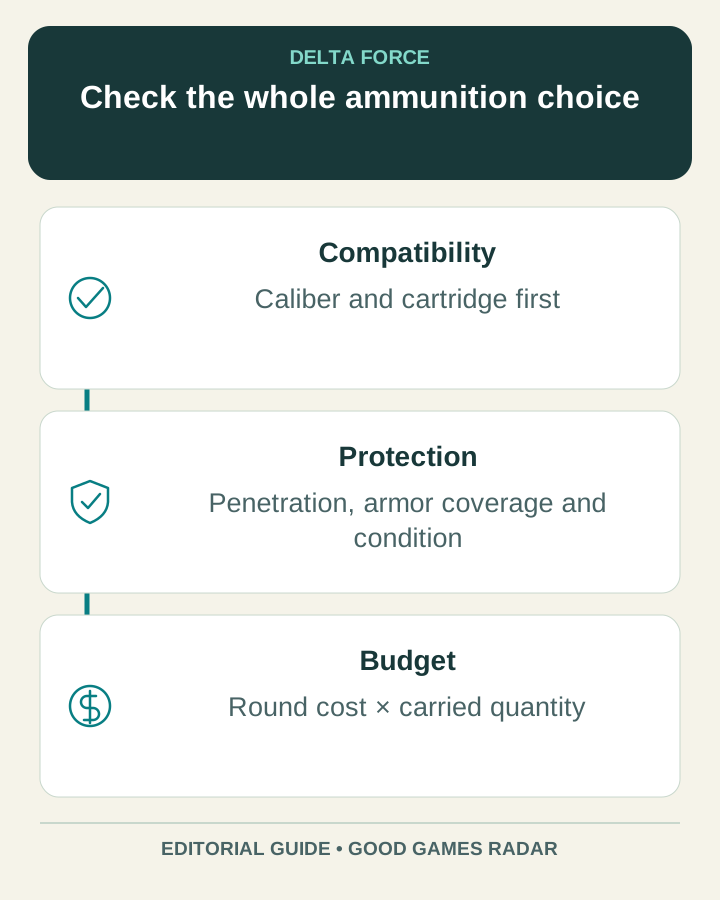
A useful ammo-and-armor comparison
| Field | Why it matters |
|---|---|
| Caliber and cartridge | Checks weapon compatibility. |
| Displayed penetration information | Helps compare ammunition against the intended protection. |
| Damage and relevant modifiers | Stops a single grade label from standing in for the whole item. |
| Armor coverage and condition | A protection label alone does not describe every hit. |
| Cost per round and carried amount | Shows the real ammunition budget, including reserve rounds. |
Calculate a loadout cost
Multiply the current unit price by the number of rounds you intend to carry, then add the rest of the kit. Compare a cheaper reserve against the purpose of each magazine rather than buying the highest number by default. The existing budget checker accepts that total; it does not retrieve market prices.
Why this is not a penetration chart
The community database has an ammo category, but we did not verify a complete current ballistic model, per-armor damage table or time-to-kill dataset. Applying a generic percentage to every armor tier would create false precision. For a practical comparison, keep distance, target protection, weapon and game version constant while testing one ammunition change.
Source: DeltaForceDB · community wiki · Delta Force · official HQ
Continue with this game
Sources & scope
This article uses the official and individually identified community references linked below. It is not a hands-on review. Screenshots are credited to their original publishers; they are not evidence that we tested these steps. Game details can change after publication.
Sources checked: 21 Oct 2026. Read how we use sources and AI assistance.