A keycard is only one part of the route
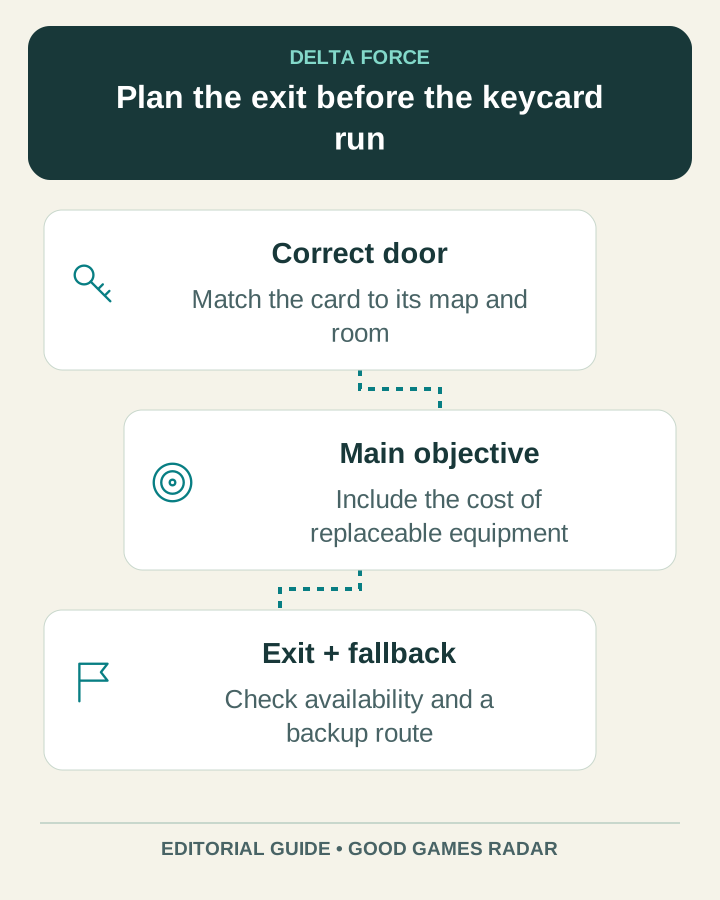
Start with the exact keycard name and the map where it is used. A map marker can show a door, but it does not guarantee that the room is profitable, safe or accessible under every current match condition. Keep the purchase decision separate from the route-planning decision.
Source: DeltaForceDB · community wiki
Check before a keycard run
| Part | Question |
|---|---|
| Door | Does the item match this specific room and map? |
| Access | Are any other conditions shown by the current game? |
| Cost | What do the card and replaceable equipment cost now? |
| Exit | Which extraction is available and what are its conditions? |
| Fallback | Where will the squad go if the room is contested? |
Use map coverage carefully
DeltaForceDB’s page listed five maps, but its visible marker counts were concentrated on Zero Dam, with several other maps showing zero. A broad map count is therefore not proof of equal detail. DeltaForceMaps separately offers Operations map browsing; check the actual selected map rather than the homepage promise.
- Open the chosen map and enable only the door, route and extraction categories needed for this trip.
- Compare the map labels with the active match. Record an alternative route before moving.
- Keep current extraction conditions in the game as the deciding reference.
- After the run, record actual costs and outcomes; do not infer average room profit from a single lucky container.
Source: DeltaForceMaps · community interactive maps · DeltaForceDB · community wiki
Continue with this game
Sources & scope
This article uses the official and individually identified community references linked below. It is not a hands-on review. Screenshots are credited to their original publishers; they are not evidence that we tested these steps. Game details can change after publication.
Sources checked: 21 Oct 2026. Read how we use sources and AI assistance.