Start with one visible task
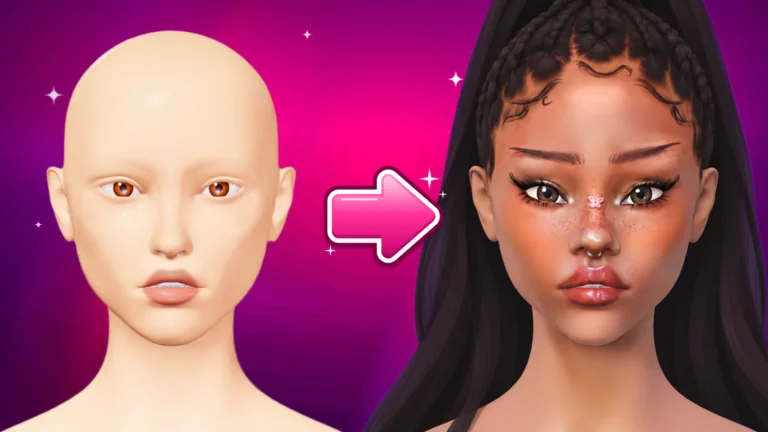
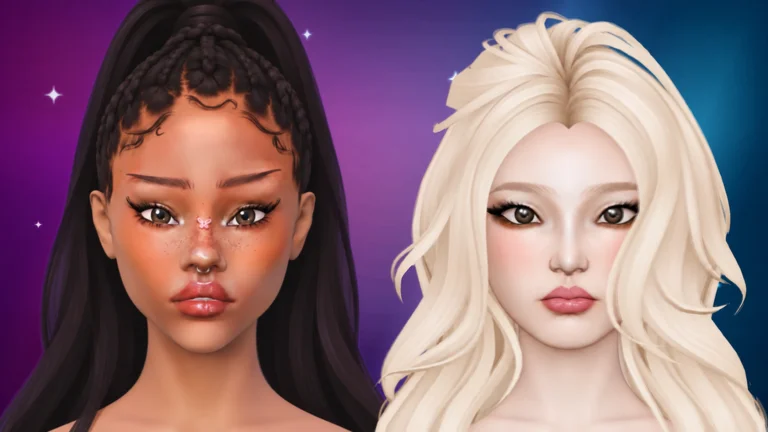
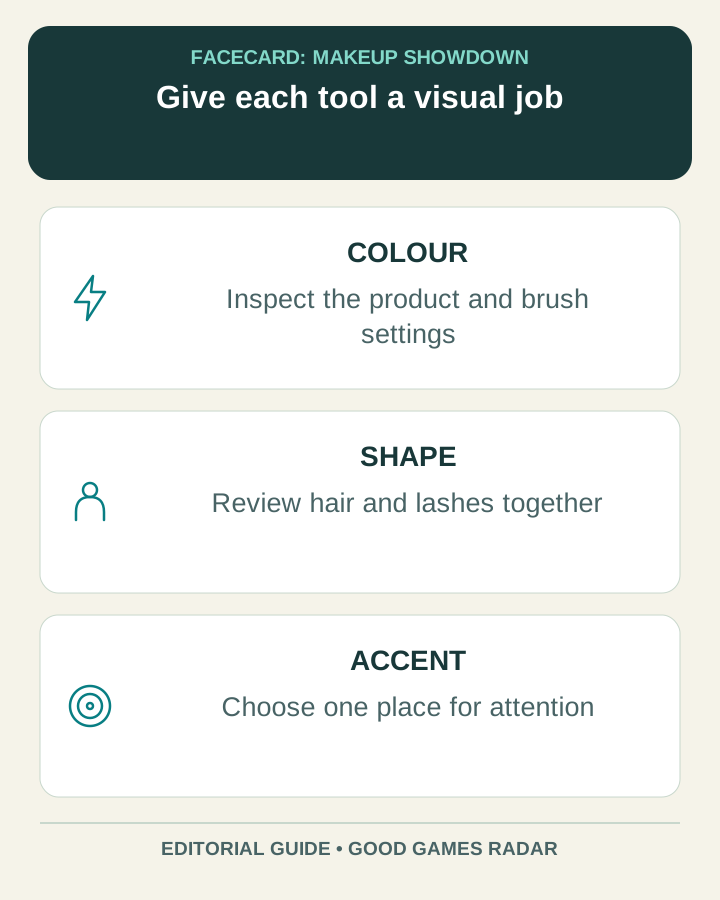
The creator describes makeup tools and brushes, with hair, lashes and rhinestones available to complete a look. Instead of trying every option immediately, decide whether you are working on colour, shape or a finishing accent.
Source: Facecard creator · official Roblox experience
Check the phone before blaming the brush
Roblox’s current support page requires iOS/iPadOS 14 or later, or Android 8.0 or later with OpenGL ES 3.0. These are platform minimums, not a promise that Facecard performs smoothly on every qualifying device.
If the app itself fails to open or repeatedly disconnects, use Roblox’s support guidance first. If the app works but a particular Facecard action behaves differently from what you expect, record the device, app version and exact action for the creator. Keep those two kinds of problem separate.
Source: Roblox Support · mobile requirements · Roblox Support · Android troubleshooting
A short tool-learning routine
This routine is a suggestion for learning the interface you can actually see. It does not assign unverified gestures or fixed button positions.
- Enter the correct experience from the official link above. Use a practice session rather than trying to learn every control during a competitive attempt.
- Select one visible product or tool and read its available settings. Make one small mark before combining it with another tool.
- Identify the current correction and camera controls from their displayed labels. Test them on that small mark before starting detailed work.
- Change one setting and compare the result at the same view. Keep the setting that helps your intended shape, rather than treating a larger value as automatically better.
Match the visual problem to a tool family
| What needs attention? | What to inspect |
|---|---|
| A painted area is uneven | The selected product and its current brush settings |
| The silhouette feels unbalanced | The current hair and lash choices |
| A focal point gets lost | The number and placement of decorative accents |
What this phone guide does not establish
We have not verified the game’s exact touch gestures, a layer-menu procedure or the positions of mobile buttons. Follow the current in-game instructions for those details. The companion guide below focuses on building and judging a coherent look in Freeplay and competition.
Continue with this game
Sources & scope
This article uses the official and individually identified community references linked below. It is not a hands-on review. Screenshots are credited to their original publishers; they are not evidence that we tested these steps. Game details can change after publication.
- Facecard creator · official Roblox experience
- Roblox Support · mobile requirements
- Roblox Support · Android troubleshooting
Sources checked: 21 Oct 2026. Read how we use sources and AI assistance.