Use the current description
The official Roblox listing checked October 21 supports PC, console and mobile and marks bindings as customizable. Its current controls differ from some older community guides.
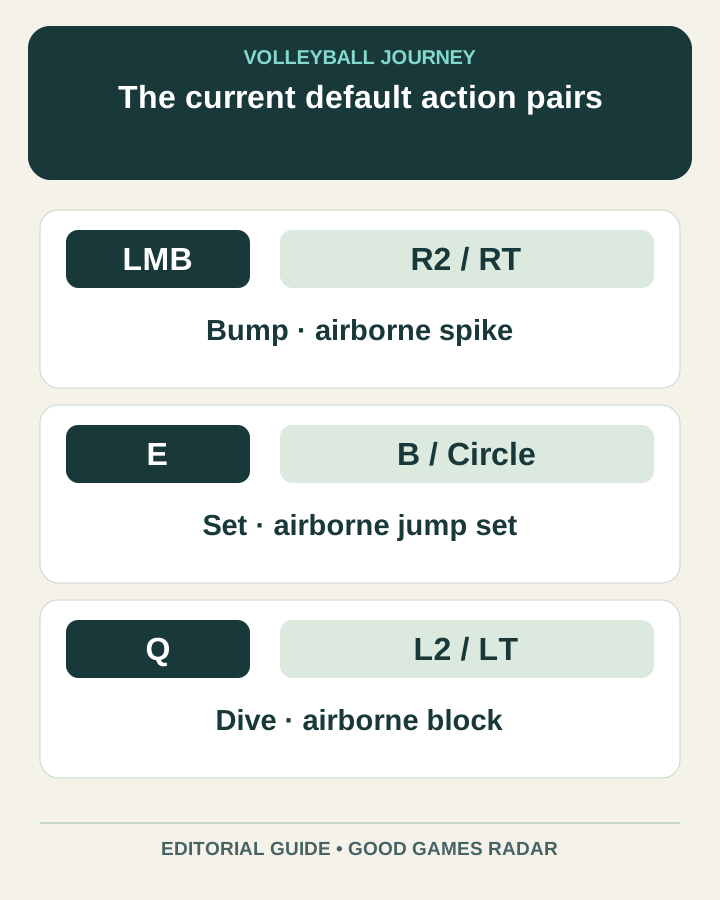
Source: Official game page
Current default pairs
| Action | PC | Console |
|---|---|---|
| Bump / airborne spike | Left click | R2 / RT |
| Set / airborne jump set | E | B / Circle |
| Dive / airborne block | Q | L2 / LT |
On a phone
The description does not publish fixed touch-button positions. In the game, identify the action labels and check whether your layout was customized. Practice a grounded contact and its airborne counterpart separately. Keep camera movement comfortable enough that your action finger can reach the intended control.
Diagnose the wrong action
If a contact produces a different action, first compare whether you were grounded or airborne and then check the current binding. Change one control at a time. Do not copy PC key letters into a mobile instruction as if they were screen coordinates.
More guides
Sources & scope
This article uses the official and individually identified community references linked below. It is not a hands-on review. Screenshots are credited to their original publishers; they are not evidence that we tested these steps. Game details can change after publication.
Sources checked: 21 Oct 2026. Read how we use sources and AI assistance.