The compatibility status changed
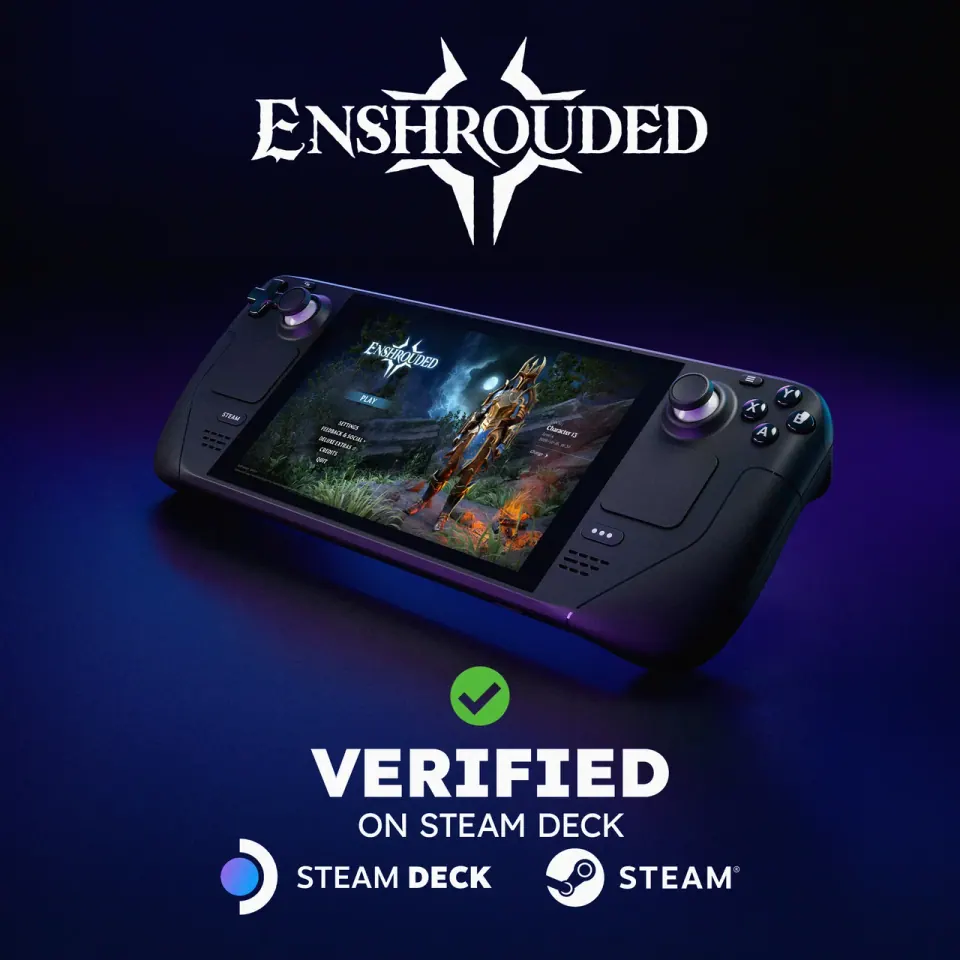
Keen Games announced on October 23 that Enshrouded 1.0 is Steam Deck Verified. That gives handheld owners a current compatibility reference instead of relying only on older Early Access impressions. The announcement does not publish frame-rate or battery-life measurements.
Source: Keen Games announcement
What Valve checks
Valve’s criteria cover controller input, readable display defaults, a smooth launch flow and system compatibility, including Proton where used. Valve says the rating applies to both LCD and OLED Deck models. You can inspect a game’s compatibility details in the Steam library or store.
Source: Valve’s compatibility criteria
Run a short check before a long expedition
- Install the current game and let pending updates finish.
- Begin with the default setup so there is a clear baseline.
- Check menu text, button prompts and inventory navigation on the handheld screen.
- Spend a few minutes moving and fighting in the sort of area you expect to play.
- If you change a setting, change one at a time and compare the same activity.
Keep your observations comparable
Record your Deck model, game version, resolution, settings and whether the test used a new or existing world. A quiet starting area and a busy settlement may produce different observations. Note the situation along with the result instead of reporting one number as a universal expectation.
| Check | Record on your device |
|---|---|
| Readability | Can you read menus and item text at your normal viewing distance? |
| Input | Do movement, menus and inventory respond as expected? |
| Motion | Where do visible hitches occur during ordinary play? |
| Session length | How long did you actually play under these settings? |
Treat older tuning advice as a comparison
If a settings guide targets an older build, keep its date attached to the recommendation. Compare an individual change with your current baseline before adopting a whole preset. Good Games Radar has not measured a locked 30/60 FPS target, thermal behavior or battery runtime for this release.
Returning players should also check their save
Handheld compatibility and save migration answer different questions. If the expected character or world is absent, use the migration guide before changing graphics or starting a replacement character.
Continue with this game
Sources & scope
This article uses the official and individually identified community references linked below. It is not a hands-on review. Screenshots are credited to their original publishers; they are not evidence that we tested these steps. Game details can change after publication.
Sources checked: 24 Oct 2026. Read how we use sources and AI assistance.