Check the game identity
This guide covers Can You Box?’s First Person Boxing, place 132956556682909. Its official listing supports PC, mobile and console. Controls from Untitled Boxing Game or another boxing experience should not be imported as if they were the same game.
Source: Official game page
Identify the current controls
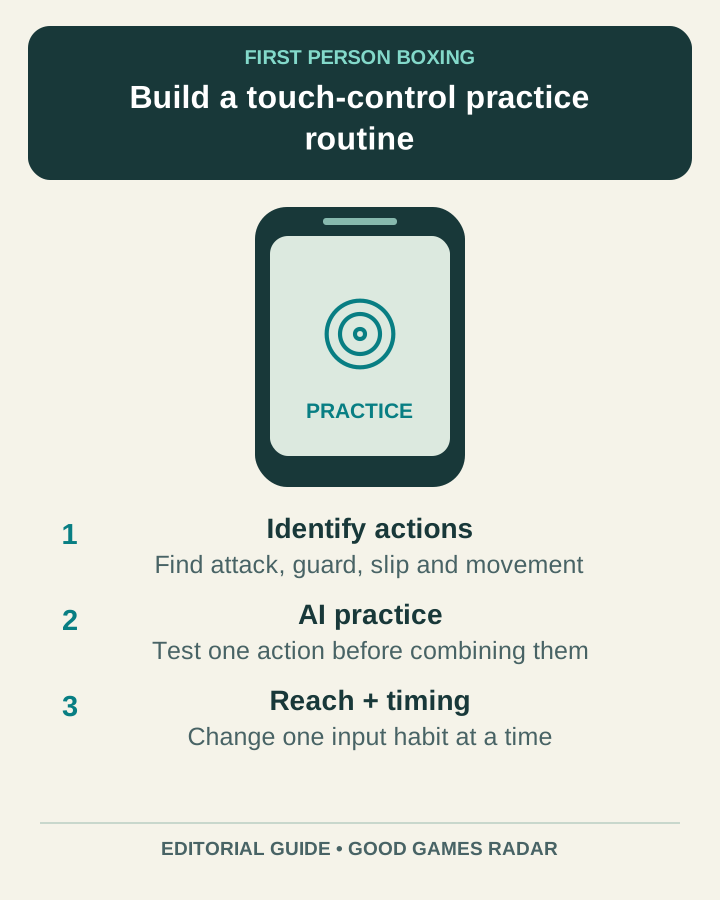
The official description confirms punches, slips, counters and head/body guards, but does not publish a complete fixed mobile button map. Open the controls available in your game and locate each action by its label. Record any custom settings before changing them.
Practice against AI first
The listing offers AI practice. Use it to test movement, one punch and the guard you intend to use. Next, practice switching guard without accidentally attacking. Finally, add a short response after an opponent misses. This is an editorial drill, not a tested combination or a promise of a winning timing window.
When touch input feels unreliable
Check whether your finger reaches the intended button while moving the camera. Change one layout or sensitivity option at a time if the game exposes it. A missed input and a mistimed input need different fixes; observe which one occurred before adjusting everything.
More guides
Sources & scope
This article uses the official and individually identified community references linked below. It is not a hands-on review. Screenshots are credited to their original publishers; they are not evidence that we tested these steps. Game details can change after publication.
Sources checked: 21 Oct 2026. Read how we use sources and AI assistance.