Compare uninterrupted EN recovery
Use the same EN units throughout. Rates are your observations, not preset Striker stats. Recovery delays and simultaneous consumption are excluded.
Know what tuning commits you to
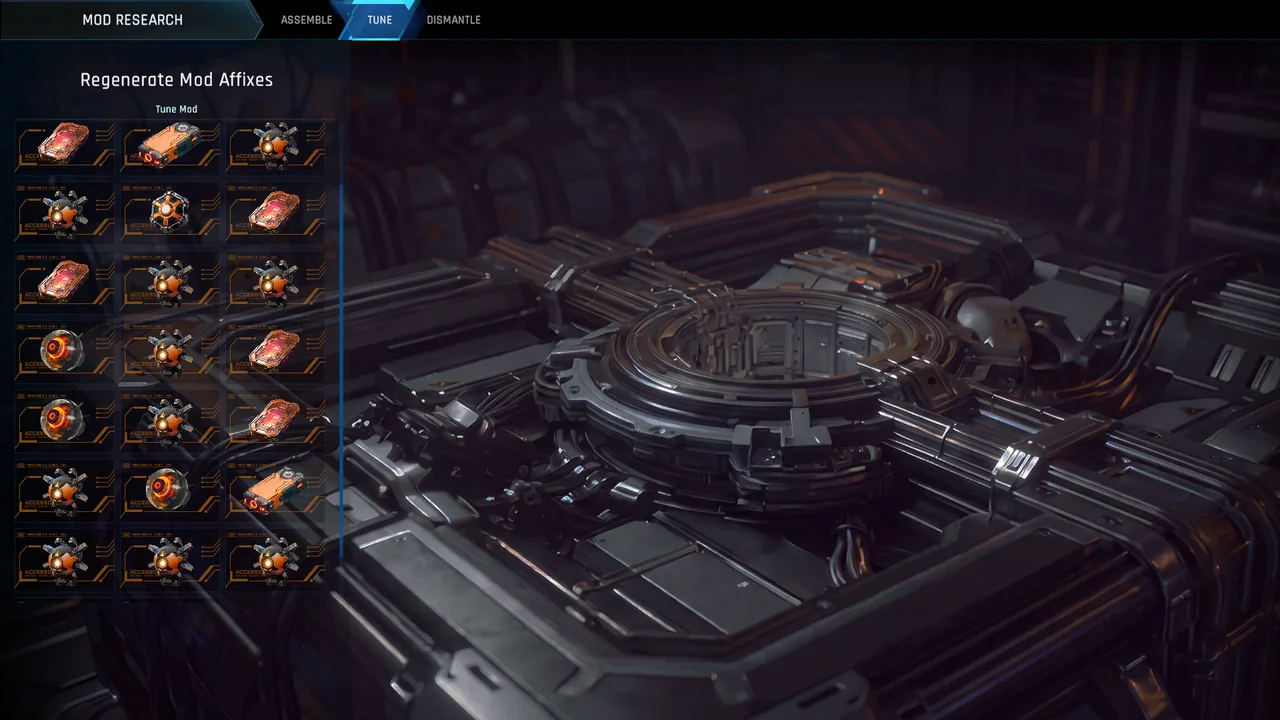
The official Mod Tuning note describes orange Perfect Mods, reached through Striker Bay → Mods → Mod Research. You choose one of the three affix slots for tuning; the other two then become locked. The tuned mod becomes non-tradeable. Inspect the actual screen before committing an item you may want to trade.
Source: Official Mod Tuning explanation
A reroll does not remove every downside
The same note keeps the selected affix’s positive or negative polarity and its allowed type pool. It offers alternatives while allowing the old result to be retained. Repeated tuning raises costs. Those restrictions matter more than a screenshot of one favorable outcome. We do not have verified probabilities for an expected-cost optimizer.
Separate equipment from match-only upgrades
Season 6 also describes Mashmak enhancement chips that apply inside that match. Do not add their temporary effects to a permanent mod-preset comparison. Record the mode, exact Striker variant, active preset and any temporary effects before measuring recovery.
Source: Season 6 systems
Measure a consistent recovery window
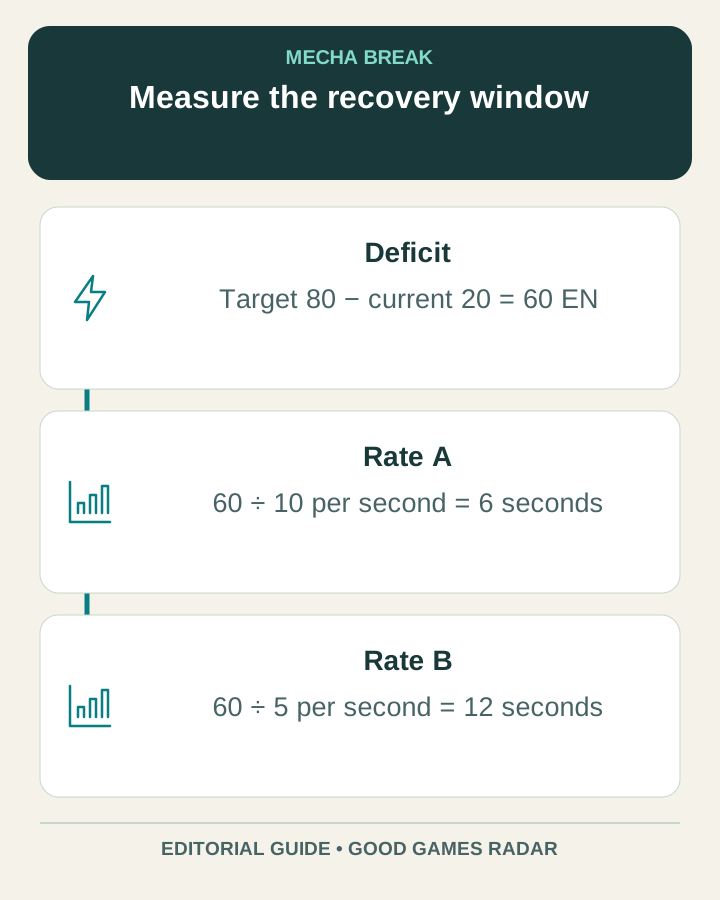
For current energy C, target T and constant recovery rate R, uninterrupted recovery time = max(0, T − C) ÷ R. The calculator above compares two rates that you enter, such as observed ground and air recovery. It does not assume that those rates are the same or that either is available during every action.
For example, recovering from 20 to 80 at 10 units per second takes 6 seconds after recovery begins. At 5 units per second it takes 12 seconds. These are invented arithmetic examples, not Falcon or Tricera stats. A zero rate cannot reach a higher target.
What to record in training
- Use the same Striker, preset and game mode for both observations.
- Note the start and target EN values, then stop consuming energy.
- Separate any delay before regeneration from the time spent regenerating.
- Measure only a period where the displayed rate behaves consistently.
- Repeat after changing one mod; compare the recovery improvement with the other affix costs.
Keep a return margin
A recovery calculation is only part of an engagement plan. Reserve enough energy for the action you intend to use to leave, using the cost shown in-game. The tool does not predict simultaneous regeneration and consumption, overheating or every movement state.
Continue with this game
Sources & scope
This article uses the official and individually identified community references linked below. It is not a hands-on review. Screenshots are credited to their original publishers; they are not evidence that we tested these steps. Game details can change after publication.
- Amazing Seasun · Mod Tuning developer note (14 Sep 2026)
- Amazing Seasun · Season 6 update (12 Oct 2026)
Sources checked: 22 Oct 2026. Read how we use sources and AI assistance.