Appearance is not proof of the active build
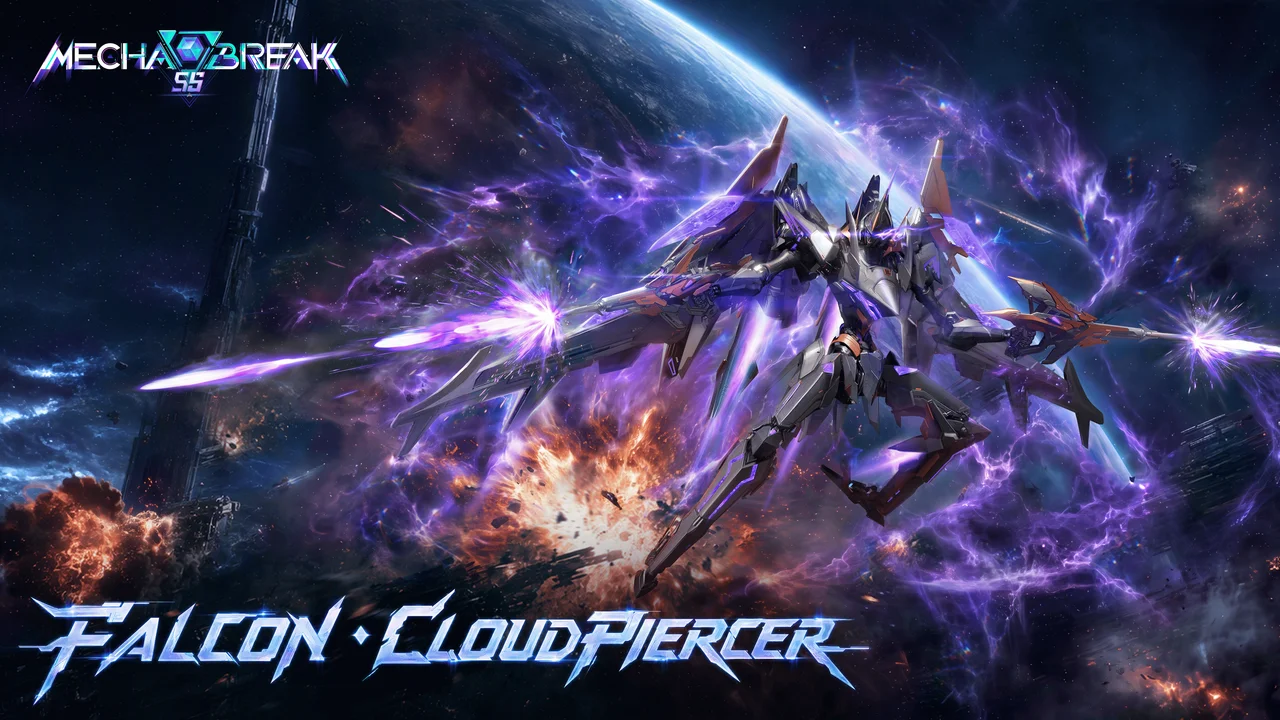
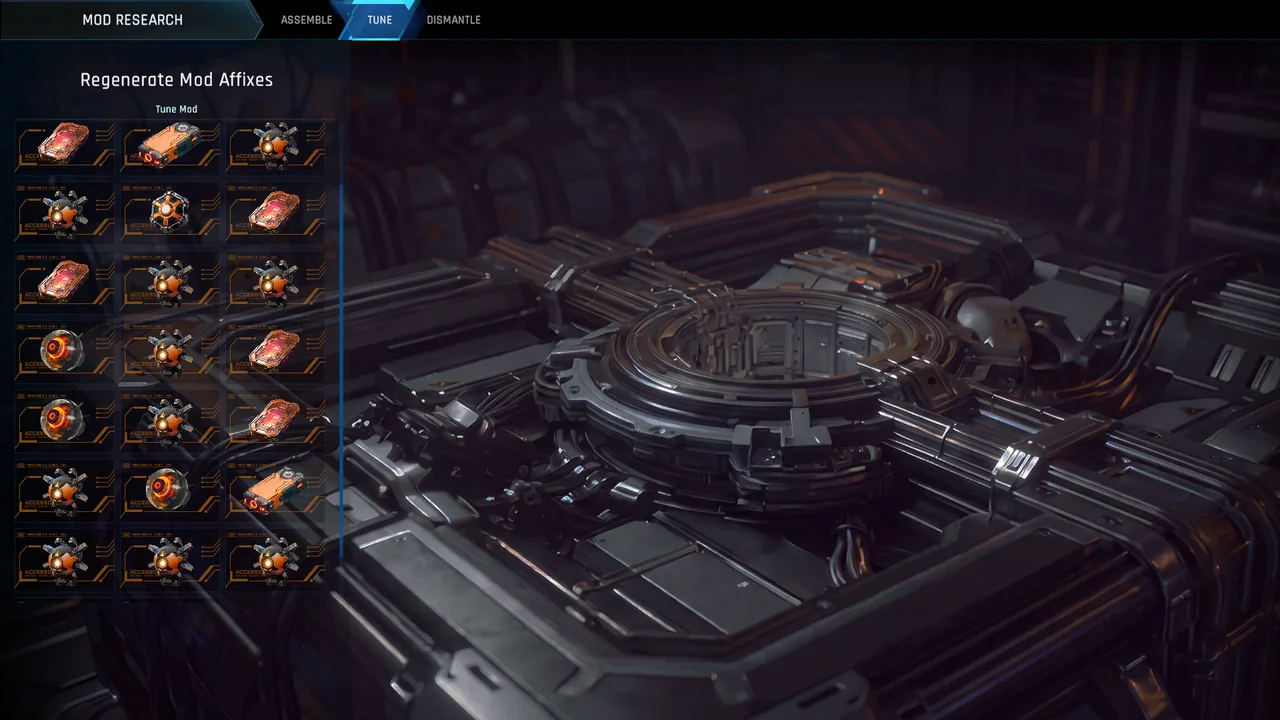
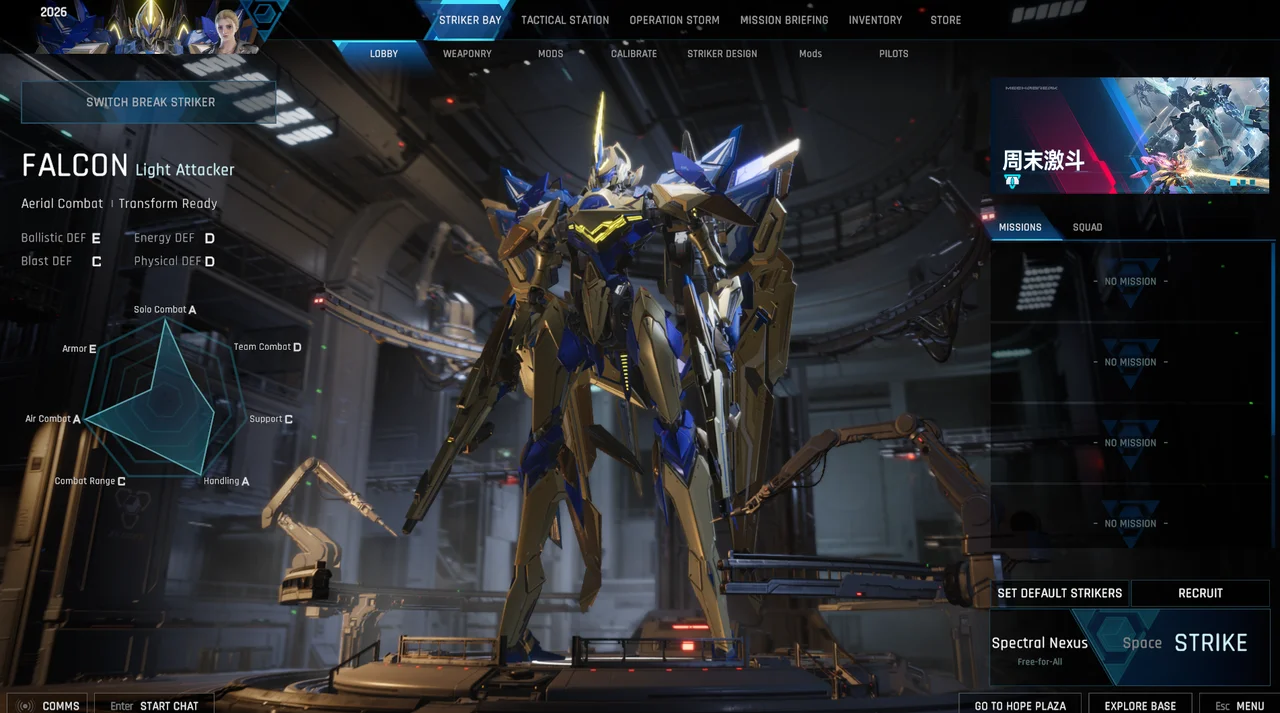
Official CUSTOM changes separate design from mod presets. The described path is Striker Bay → Mods for preset selection; changes are available before battle and in the stated training context, not once combat has begun. A shared image can show a design without showing the active attributes.
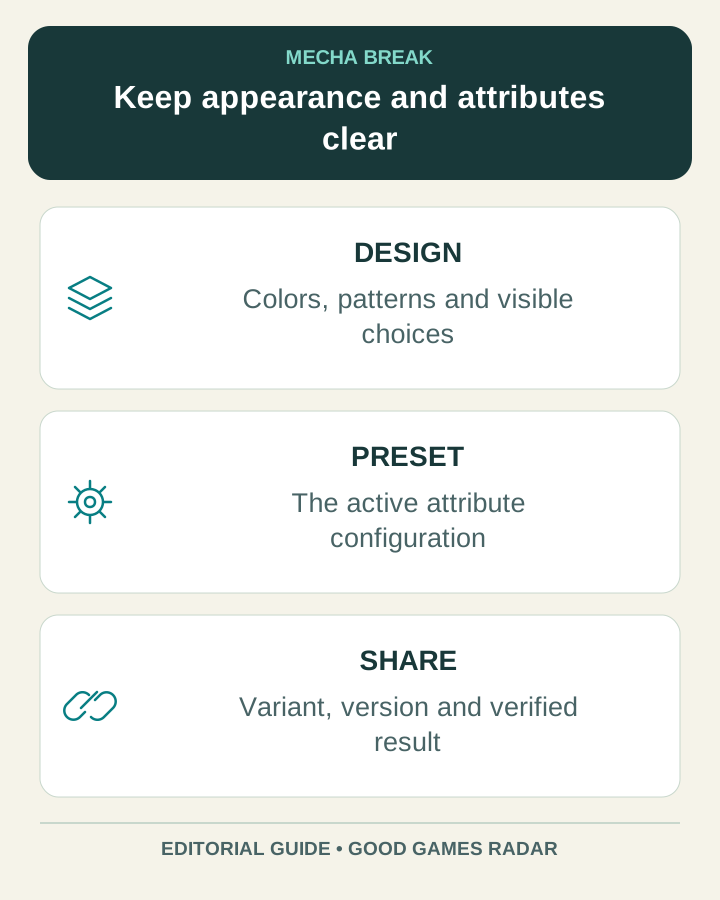
Source: Official design and preset explanation
Make a color plan you can reproduce
The official store describes customization of colors, insignias, patterns and accents. Our practical approach is to choose a dominant color, a smaller supporting area and a restrained accent, then inspect the result at normal gameplay distance. Record the actual choices the game exposes instead of inventing a universal hexadecimal import format.
| Design layer | Useful note |
|---|---|
| Main surface | The selected color or swatch label visible in your game |
| Secondary panels | Which surfaces should remain visually distinct |
| Accent | Where the strongest contrast belongs |
| Insignia or pattern | The selected asset and whether it is available to the recipient |
Before sharing or importing a code
- Confirm the exact Striker and variant that the design belongs to.
- Include the game version and the screen where the game actually creates or accepts the code, if available.
- Distinguish a design reference from a mod-preset recommendation.
- Ask the recipient to verify the imported appearance and active preset separately.
- If import fails, check version, variant and asset availability before assuming the string is valid.
Current paint-code status
We have not verified a working public import-code list or redeemed an appearance code. This page therefore does not publish fabricated working strings. The supported result is a design worksheet and the official separation between appearance and attributes. A screenshot can be a useful visual reference even when no usable code accompanies it.
Carry the correct preset into the match
After changing appearance, review the active mod preset again. Season 6 continues the separate design and attribute handling. Keep a short loadout note with mode, Striker variant and preset so the next session starts with the setup you intended.
Source: Season 6 update
Continue with this game
Sources & scope
This article uses the official and individually identified community references linked below. It is not a hands-on review. Screenshots are credited to their original publishers; they are not evidence that we tested these steps. Game details can change after publication.
- Amazing Seasun · CUSTOM design and mod preset update (11 Sep 2026)
- Amazing Seasun · Season 6 update (12 Oct 2026)
- Amazing Seasun · official customization overview
Sources checked: 22 Oct 2026. Read how we use sources and AI assistance.