What Focus Mode actually does
Focus Mode lets you aim attacks and guards toward the camera's direction. It highlights wounds and exposed weak points; Focus Strikes are special attacks that exploit those targets.
Capcom's developer interview explains that repeated attacks create wounds and that attacking them further can break them for additional damage. You still need to judge your distance.
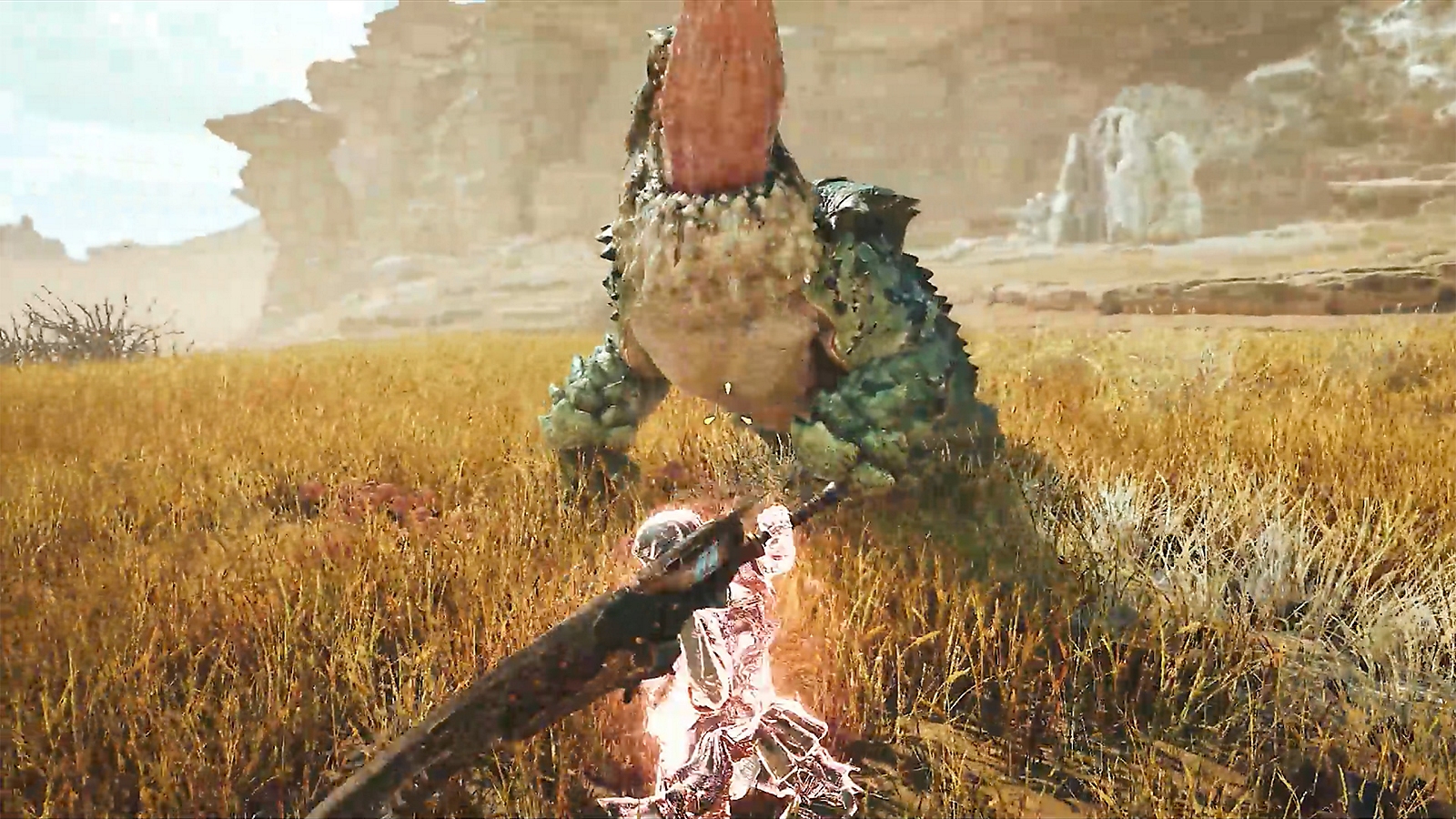
Source: Official Focus Mode and Focus Strike overview · Capcom developers on wounds and positioning
PS5 inputs: aim, then use a Focus Strike
These are the inputs documented in PlayStation's official starter guide. If you use remapped controls or another platform, check your own weapon controls instead.
- Hold L2 to enter Focus Mode.
- Use the camera to aim at a highlighted wound.
- While Focus Mode is active, press R1 for a Focus Strike.
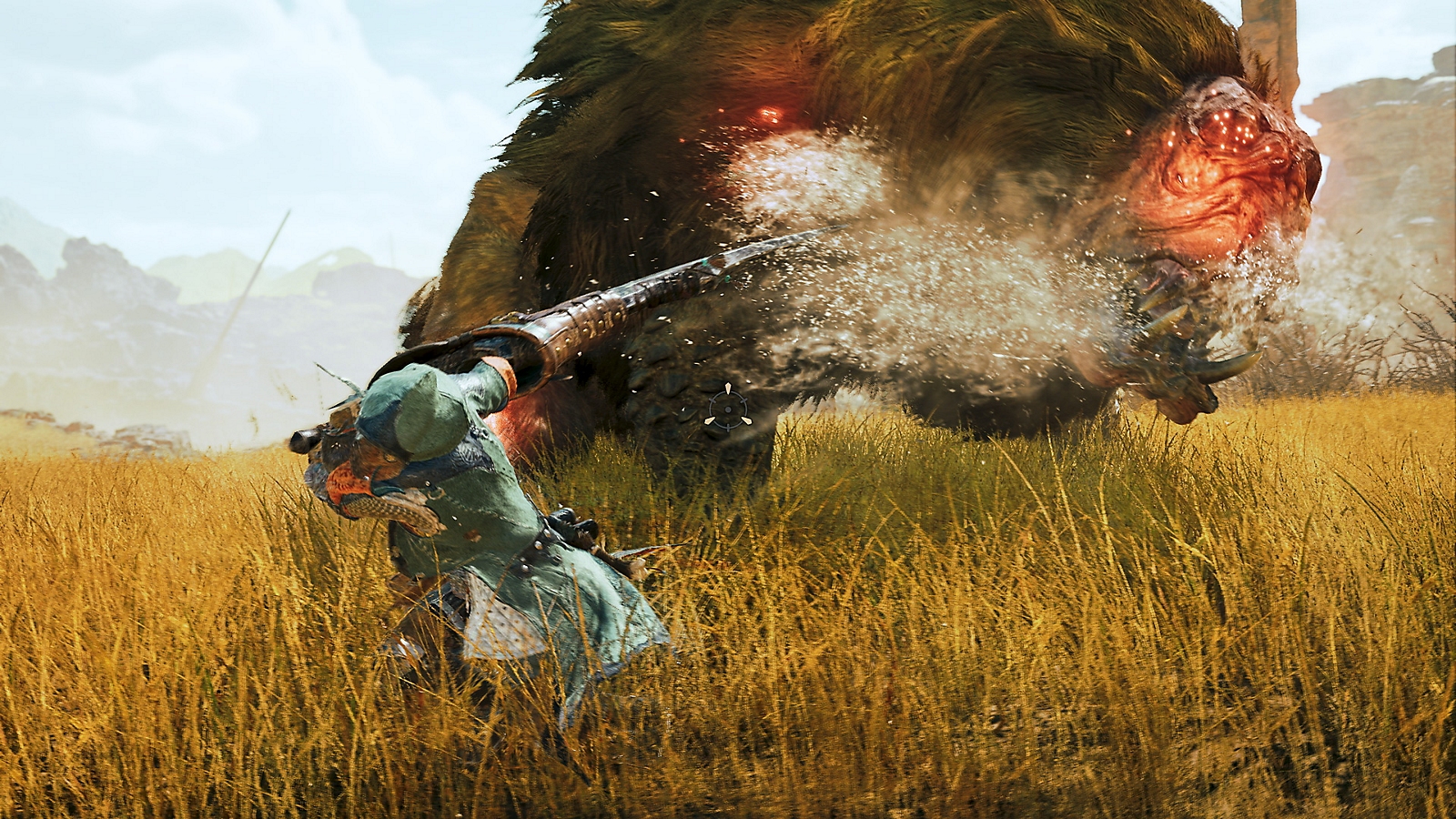
Source: PlayStation starter guide, tip 10
Find the instructions for your weapon
On PS5, press Options, open Info, then choose Play Guide → Weapon Controls. The official guide points to this menu for individual moves and combos, and to the Base Camp Training Area for practice.
Editorial practice suggestion: learn the input first, then try it against a familiar monster. After a miss, check whether you aimed at the wound, stood close enough, or started too late. Change one part of the attempt at a time.
Source: PlayStation starter guide, tip 1
Sources & scope
This article summarizes the official material linked below. It is not a hands-on review. Screenshots are credited to their original publishers; they are not evidence that we tested these steps. Game details can change after publication.
- PlayStation · Monster Hunter Wilds starter guide
- CAPCOM / PlayStation · Focus Mode feature overview and screenshots
- Xbox Wire · tips from Capcom's developers (28 Feb 2025)
Sources checked: 19 Oct 2026. Read how we use sources and AI assistance.