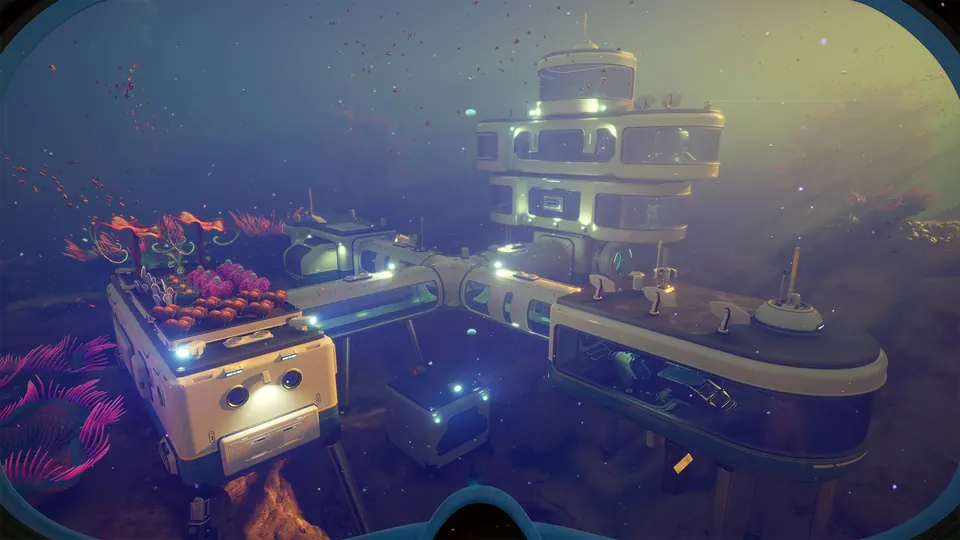
Four players, with one branch check first
Subnautica 2 supports online co-op for up to four players total, including cross-platform invitations. The official platform list covers PC through Steam, Epic and Windows Store, plus Xbox Series X|S. Steam lists the game as available in Early Access since May 14, 2026.
Before exchanging codes, check that everyone is using the same branch. Default and Experimental players cannot join one another. The official August guidance also says Epic has no Experimental branch, so a group that includes an Epic player should use Default.
Source: Subnautica support · co-op and crossplay · Subnautica support · platforms · Steam · Early Access listing · Subnautica support · branch compatibility · Subnautica support · Epic branch availability
Add a friend using the in-game code
Use the game’s invitation system when your friends use different storefronts. These are the menu labels in the official support instructions; start your session in Multiplayer mode.
- From the main menu, open Play with Friends.
- To add someone, choose Friend Code and enter the code they give you.
- To let someone add you, choose Generate Code instead, then copy and send your code to that friend.
Source: Subnautica support · friend-code instructions · Subnautica support · cross-platform invitations
Keep your existing world when moving between solo and co-op
You can convert an existing save instead of starting over. Use the menu where that world currently appears. This changes single-player or multiplayer access; it is a separate operation from changing the game’s release branch.
| You want to… | Documented menu route |
|---|---|
| Bring a solo world into co-op | Main menu → Play Single Player → select your saved game → Convert to Multiplayer |
| Return a co-op world to solo play | Main menu → Host Multiplayer → select your saved game → Convert to Single Player |
Source: Subnautica support · solo-to-multiplayer conversion · Subnautica support · multiplayer-to-solo conversion
If a world disappears after changing branches
First check whether you launched Default or Experimental. Each keeps its saves separately, on PC and Xbox, and only shows its own worlds. Returning to Default should make the original Default saves visible again; Experimental progress stays on Experimental. This documented behavior is not, by itself, evidence that a world was deleted.
The developer recommends making a save backup before changing branches. Its guidance also says import/export cannot carry saves between these versions. Converting a solo save to multiplayer does not bypass that restriction.
Source: Subnautica support · branch-specific saves
Return a Steam player to Default for the group
If the group chooses Default, use the Steam route below. Back up saves first, and remember that Experimental worlds will remain separate. These steps resolve the documented branch mismatch; they are not a fix for every connection error.
- In the Steam Library, open Subnautica 2’s Properties from its right-click menu.
- Open Betas and set Beta Participation to None.
- Let Steam finish downloading the stable build before launching and trying the session again.
Source: Subnautica support · return to Default on Steam · Subnautica support · backup and save separation
Save sharing and cloud saves do different jobs
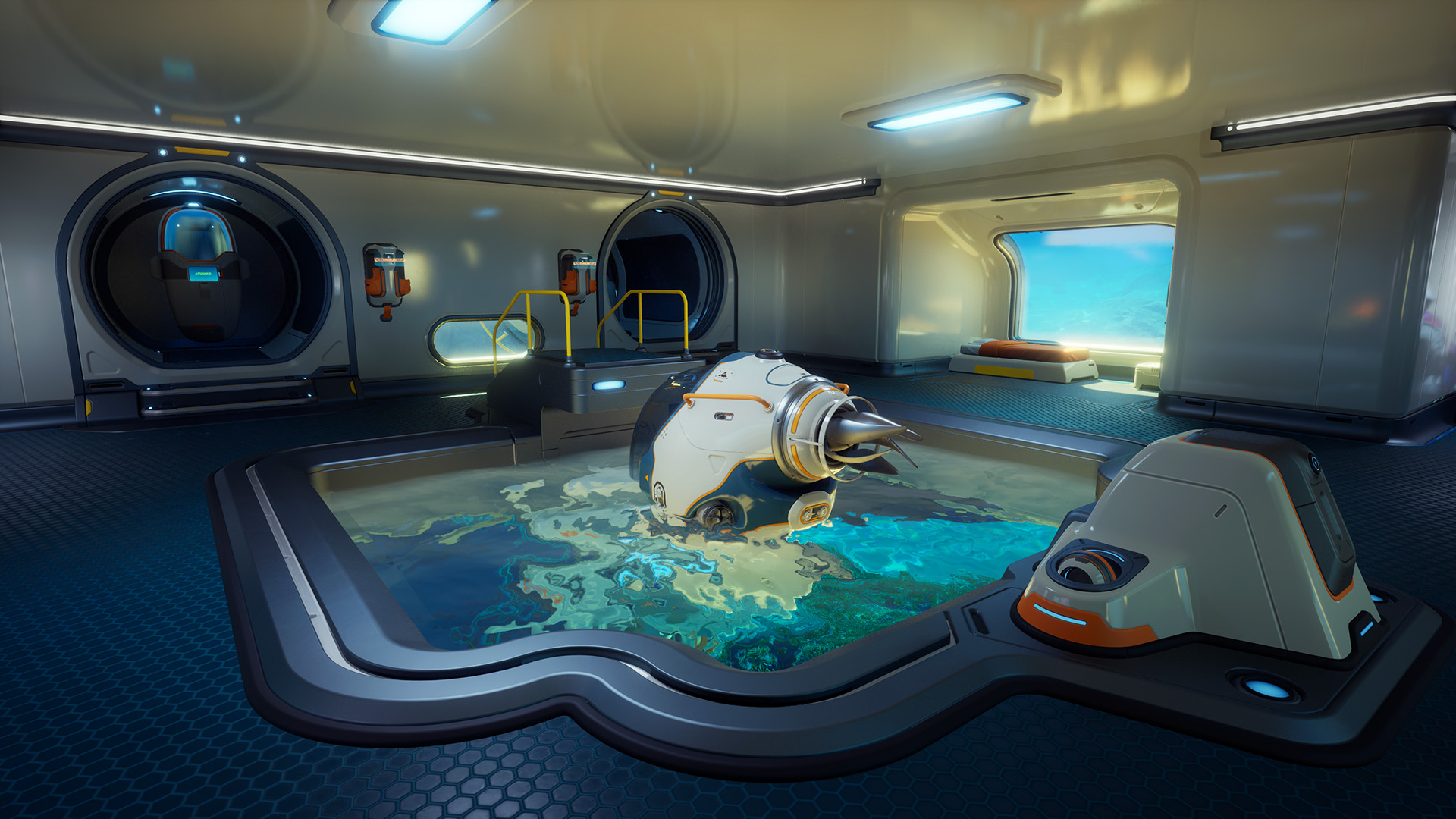
The multiplayer FAQ supports sharing a saved game with friends across platforms. Steam lists Steam Cloud, while Epic lists Cloud Saves. Those features are not evidence that every friend automatically receives every later change to a shared world; the cited pages do not document that behavior.
For a group that plays at different times, agree which world you will continue before the next session. Our practical suggestion is to record the host, save name and branch together so that “join my game” does not send friends into a different copy or test build.
Source: Subnautica support · save sharing · Steam · Steam Cloud feature · Epic Games Store · Cloud Saves feature
Sources & scope
This article uses the official and individually identified community references linked below. It is not a hands-on review. Screenshots are credited to their original publishers; they are not evidence that we tested these steps. Game details can change after publication.
- Steam · Early Access store listing
- Subnautica support · co-op and cross-platform play (16 Apr 2026)
- Subnautica support · supported platforms (16 Apr 2026)
- Subnautica support · friend-code menu (16 Apr 2026)
- Subnautica support · convert a solo save (16 Apr 2026)
- Subnautica support · convert a multiplayer save (16 Apr 2026)
- Subnautica support · multiplayer branch compatibility (12 Aug 2026)
- Subnautica support · Epic Experimental availability (12 Aug 2026)
- Subnautica support · saves across branches (11 Aug 2026)
- Subnautica support · return to Default on Steam (12 Aug 2026)
- Epic Games Store · official listing and screenshots
Sources checked: 26 Oct 2026. Read how we use sources and AI assistance.