Read the data label before the dots
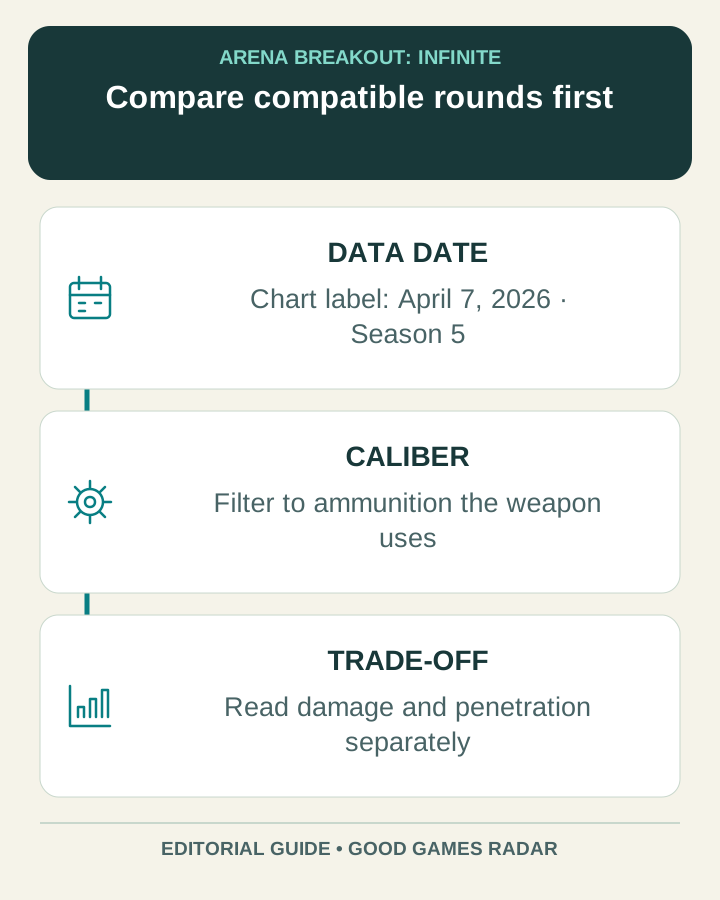
ABI Helper’s chart currently labels its data April 7, 2026, Season 5. That is the tool’s own update statement, not a certification that every row matches the game you are playing in October. Check your season and the current item description before committing to a loadout.
Source: Chart and visible data label
Compare one compatible caliber first
The chart places unarmored-limb damage on the horizontal axis and penetration on the vertical axis. Caliber labels toggle groups of ammunition; hovering reveals a round’s details. Shotgun ammunition is omitted from this plot, with per-pellet information directed to the detailed table.
Begin with ammunition your weapon actually uses. Hiding unrelated calibers makes the trade-off clearer: a point farther right has a different advantage from a point higher up. Neither position alone gives the cost, the result of a particular hit or the effectiveness of your whole loadout.
Source: Chart controls and axis definitions
Use a short comparison sheet
| Record for each candidate | Why it helps |
|---|---|
| Exact round and caliber | Avoids comparing a different cartridge with a similar name. |
| Damage and penetration shown | Preserves the two separate dimensions. |
| Data version | Makes a later change detectable. |
| Current in-game price | Keeps the decision within your own budget. |
| Intended target situation | Explains why the difference matters. |
Move to armor only after choosing a round
The next question is how a candidate behaves against a particular armor condition. ABI Helper has a separate Armor Calculator for that purpose. Treat its answer as a model with stated assumptions, then compare the same round and target conditions when making a second calculation.
Do not turn chart damage into a fixed shots-to-kill claim. Hit location, protection and the assumptions in the model matter. The companion guide shows which inputs to record so that two results can be compared fairly.
Keep the purchase decision practical
Choose the round that solves the intended problem at a cost you can replace. If the tool’s version or a specific statistic cannot be reconciled with your current game, keep that uncertainty visible and avoid a bulk purchase based on the old row. A tidy graph is a useful reference, but it does not replace the current inventory screen.
Continue with this game
Sources & scope
This article uses the official and individually identified community references linked below. It is not a hands-on review. Screenshots are credited to their original publishers; they are not evidence that we tested these steps. Game details can change after publication.
Sources checked: 23 Oct 2026. Read how we use sources and AI assistance.