Set both sides of the comparison
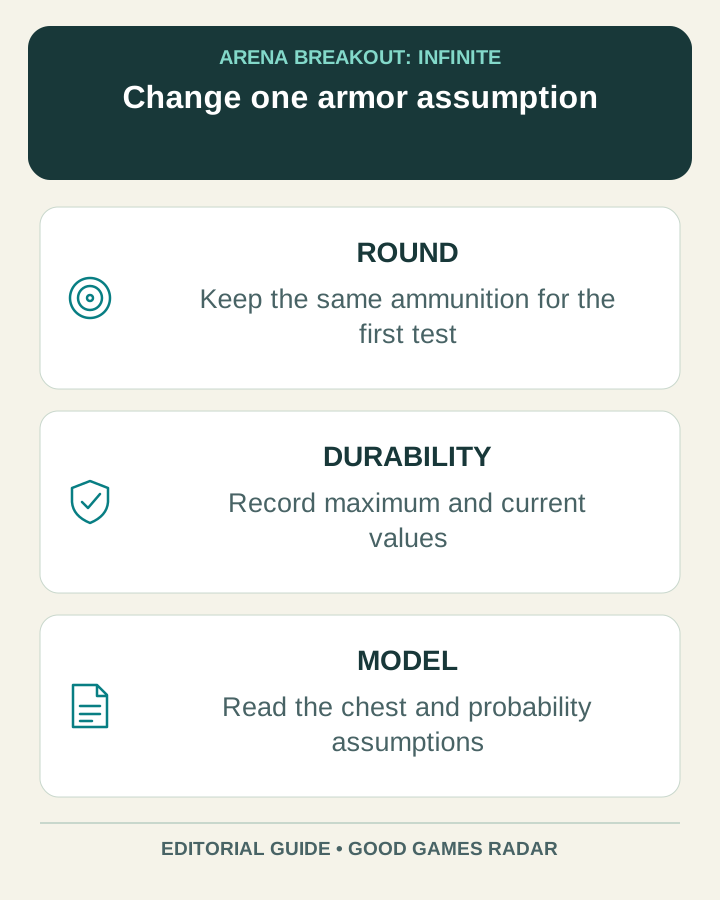
ABI Helper’s Armor Calculator asks for ammunition and armor. It exposes class, material, coverage and durability information, with separate maximum and current durability controls. Its results distinguish penetration chance, damage on penetration, average damage and a chest shots-to-kill estimate using 85 HP.
The site calls these community-researched formulas and warns that exact game behavior may differ. Record the tool’s assumptions alongside the result rather than presenting the output as a guaranteed encounter.
Source: Calculator inputs, outputs and disclaimer
Separate maximum durability from current durability
The interface explicitly suggests lowering maximum durability for repaired armor. Current durability is another input. When comparing two conditions, write both values down so that the calculation describes the equipment you intended.
For a controlled comparison, hold the ammunition and armor type constant, change one durability value, and label the before-and-after result. Changing several inputs at once may produce a larger number but makes it harder to explain why the result changed.
Source: Durability controls in the tool
Use a two-condition worksheet
| Condition | Keep fixed | Record separately |
|---|---|---|
| Fresh reference | Round, armor type and target assumption | Maximum and current durability; output values. |
| Used equipment | The same round, armor and target | Actual durability values you want to compare. |
| Different round | Armor condition and target | New round name and its separate result. |
A hit-count estimate is not a stopwatch
The displayed chest model is narrower than a full firefight. It does not by itself tell you how long aiming, missed shots, movement, other hit locations or a reload will take. Keep a modeled number of hits separate from time to kill.
Likewise, a probability for penetration does not promise the same result on every shot. Use the model to understand sensitivity to the inputs, then check what your own current game shows before relying on it for an expensive kit.
Make one decision from the result
If the difference between two setups is small or the data version is uncertain, choose based on the equipment and budget you actually have. If it is large, identify which assumption produces that difference before changing your loadout. That gives you a clear question to investigate instead of a misleading certainty.
The related ammo chart still displays an April 7 Season 5 data label during this review. We have not independently verified current combat values or executed a live firing test. Keep that date with any copied comparison.
Continue with this game
Sources & scope
This article uses the official and individually identified community references linked below. It is not a hands-on review. Screenshots are credited to their original publishers; they are not evidence that we tested these steps. Game details can change after publication.
Sources checked: 23 Oct 2026. Read how we use sources and AI assistance.