The weekly-map warning needs a mode label
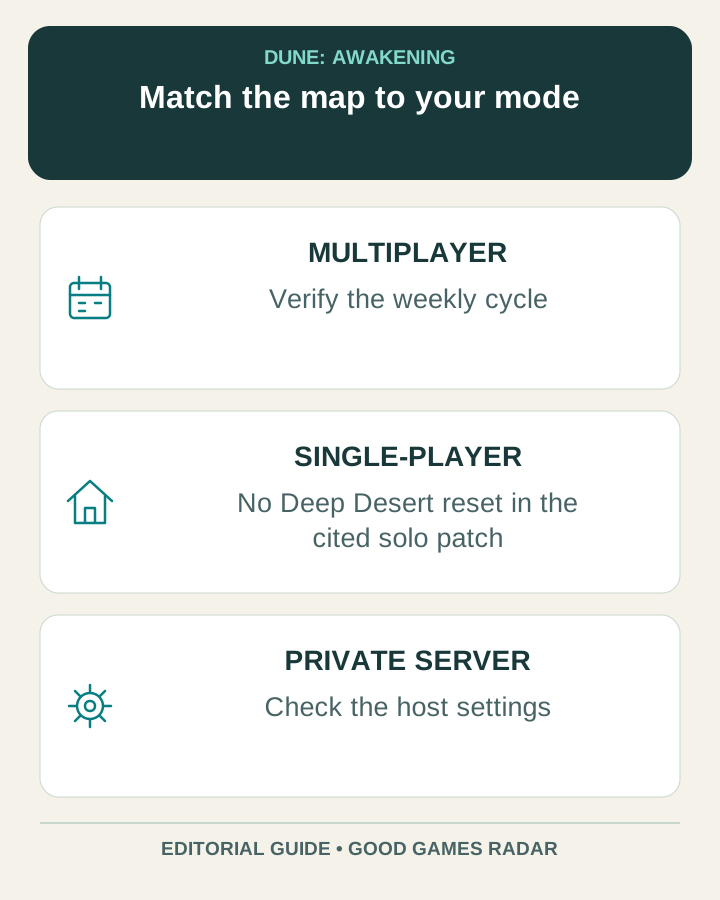
Funcom’s general Coriolis help page describes weekly landscape changes and temporary Deep Desert bases. Its newer single-player patch notes explicitly describe a Deep Desert without map resets or building wipes. These statements describe different contexts: a multiplayer weekly-map guide should not be applied unchanged to the new solo mode.
Source: Funcom · September console and single-player patch notes
Choose the map that matches your session
| Your session | What to verify |
|---|---|
| Single-player | Read the single-player section of the September patch notes and your world settings. Do not assume a weekly multiplayer layout applies. |
| Official multiplayer | Check the active world, instance and current map cycle. Keep the date with every coordinate. |
| Private or self-hosted | Ask which server settings differ before relying on reset or loss rules. |
Use a weekly map without carrying old coordinates forward
- Open the community Deep Desert page and identify its cycle/date label before choosing a marker.
- Check whether the map is for your mode and whether it distinguishes PvE from PvP. An unlabeled screenshot is incomplete.
- Pick an objective and a return point. Record the marker’s name and grid reference in the same note.
- After a cycle change, recheck the marker. Keep past observations as history rather than presenting them as current spawns.
Source: Gaming.tools · community Deep Desert map · Funcom · September console and single-player patch notes
Plan an outpost around the actual rules
For multiplayer, treat valuable stored material separately from a temporary excursion kit until the current server rules are confirmed. For solo, retaining the map does not make sandstorms harmless. A route note should still identify shelter and the means to return. We do not supply a server-specific reset countdown or guarantee that a historical loot marker remains populated.
Continue with this game
Sources & scope
This article uses the official and individually identified community references linked below. It is not a hands-on review. Screenshots are credited to their original publishers; they are not evidence that we tested these steps. Game details can change after publication.
- Funcom · September console and single-player patch notes
- Funcom Help · Coriolis storm
- Gaming.tools · community Deep Desert map
Sources checked: 21 Oct 2026. Read how we use sources and AI assistance.