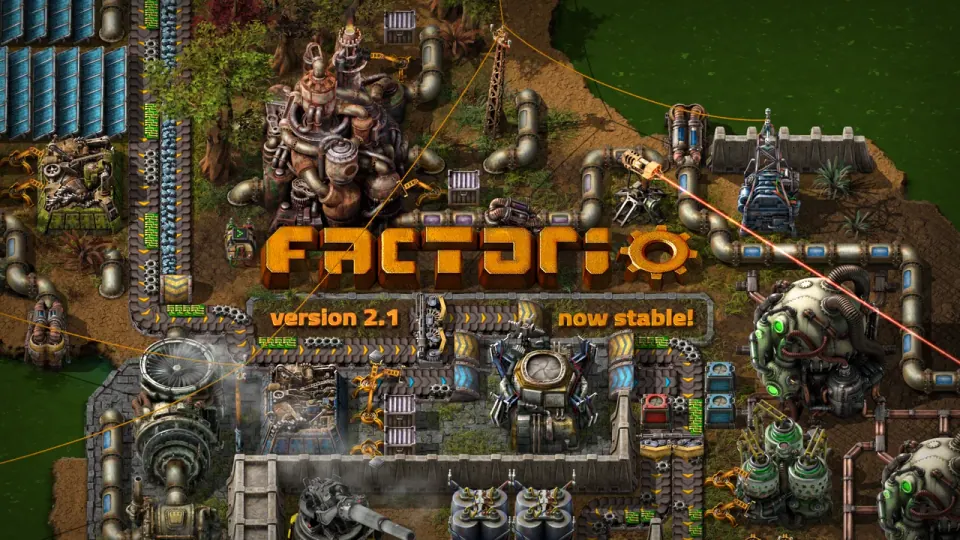
2.1 is now stable
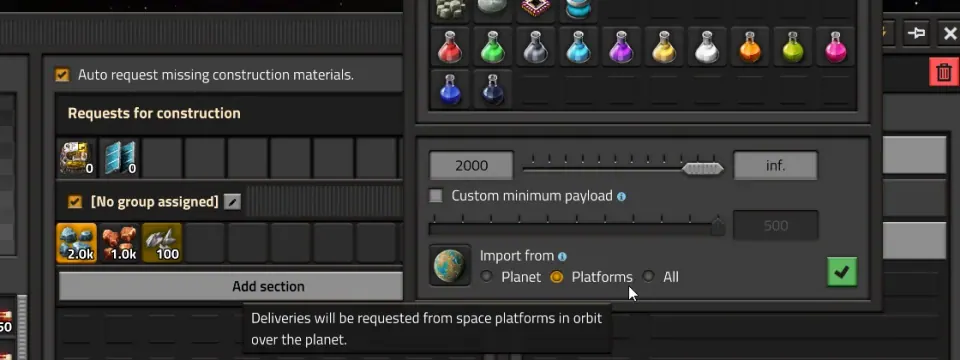
Wube marked Factorio 2.1 stable on October 23 after its experimental period. The release focuses on refinements and smaller features, rather than adding a new set of planets. If you stayed on 2.0, review the changed systems before assuming your old design has identical behavior.
Source: Official stable announcement
Start with a separate save
Before experimenting, keep a separate copy of the save you know works. Record the game version and enabled mods with it. Our recommendation is to test the update on a clearly named copy so that a troubleshooting session does not overwrite your only reference.
For a modded game or shared server, check the intended version and mod set together. This page does not certify third-party mods or promise backward save compatibility. If a mod reports an incompatibility, resolve that specific message rather than disabling unrelated items at random.
Review these systems first
| System | Change to inspect |
|---|---|
| Quality | Space Age can run without Quality; the Recycler is separated into its own mod. |
| Asteroid processing | Quality modules no longer apply to asteroid reprocessing. |
| Blueprint placement | Pumpjacks and burner miners can be flipped; delivery-lane behavior received attention. |
| Fluids | Different fluid pipelines are prevented from merging and display a warning. |
Source: Stable-release overview · Detailed June development explanation
Platform speed needs a new comparison
The platform changes make drag depend on mass rather than width, and asteroid damage depends on remaining asteroid health rather than speed. A narrow design that worked well before should be evaluated under the new rules, not assumed to retain the same advantage.
Keep the route, cargo and equipment fixed when comparing a platform before and after a design change. Write down where it struggles: departure, travel, repairs or delivery. A single travel-time number can hide an unreliable arrival or an inventory problem.
Source: Platform tuning explanation
Test a small part before redesigning everything
- Save a separate copy and record the version and mods.
- Choose one production line, blueprint or platform that you understand.
- Inspect its inputs, output and any new warning before changing settings.
- Run a small comparison with the same objective.
- Record the outcome, then decide whether other designs need the same revision.
Separate a new feature from a repair
If a factory stops, identify the immediate shortage or warning first. Enabling every new feature at once makes it harder to see what fixed the problem. Mixed rockets and platform transfers can be useful next steps, but they should answer a specific delivery need.
Use the date of the source
Some linked explanations were published while 2.1 was being developed. The October stable post confirms the headline features; older posts add design context. If a detail differs from the installed version, keep the current interface and newer official notes together when reporting it. We have not loaded or benchmarked your save.
More for this game
Sources & scope
This article uses the official and individually identified community references linked below. It is not a hands-on review. Screenshots are credited to their original publishers; they are not evidence that we tested these steps. Game details can change after publication.
- Wube · 2.1 Stable (23 Oct 2026)
- Wube · Flip, Flow, and Fresh Paint (12 Jun 2026)
- Wube · Tuning platforms (16 Oct 2026)
Sources checked: 26 Oct 2026. Read how we use sources and AI assistance.